
Amazon Account Locked? Unlock It in 6 Easy Steps
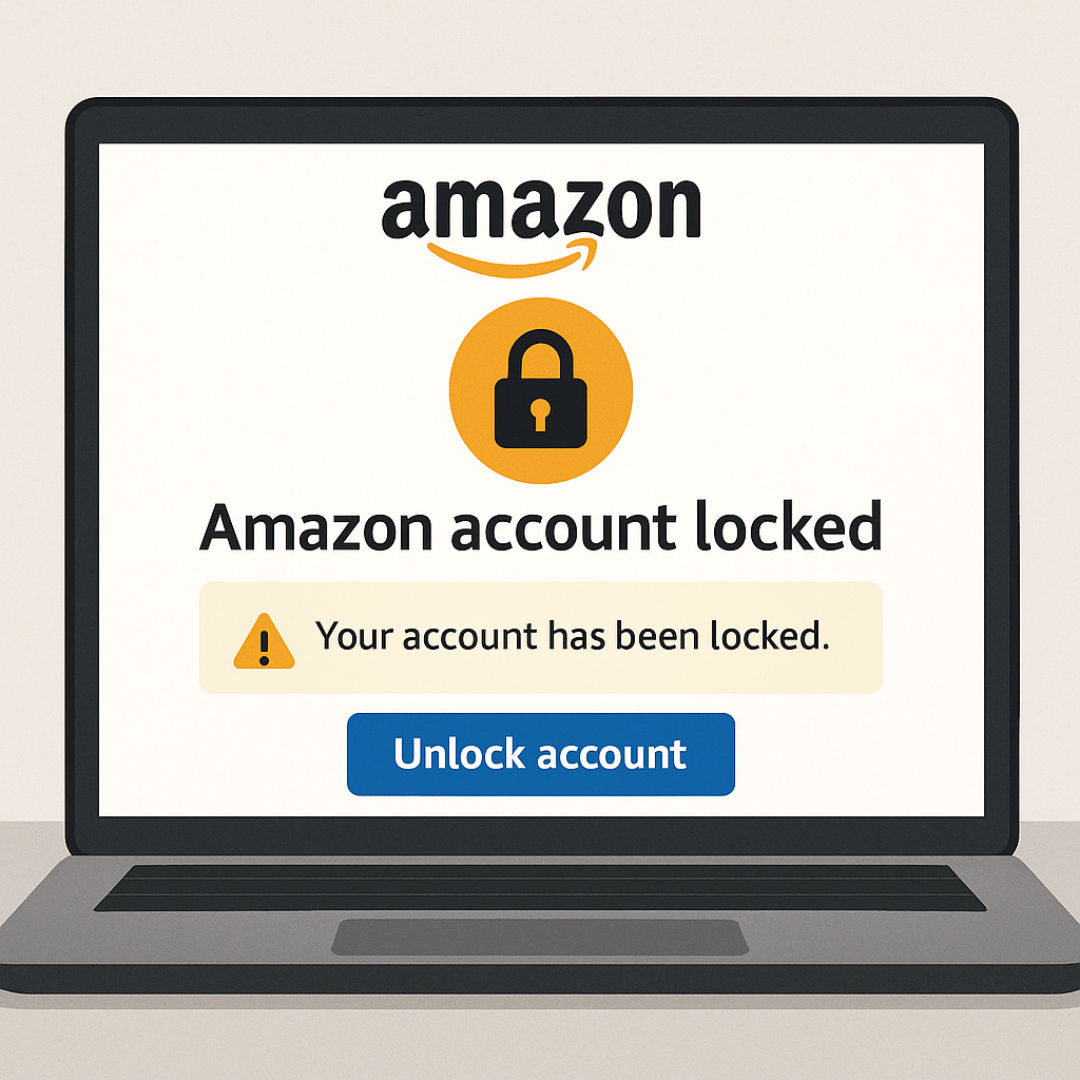
Why Your Amazon Account Locked and How to Fix It Easily
Amazon account locks can happen for a variety of reasons, often leaving users frustrated and unable to access their accounts. One of the most common reasons for an account being locked is suspicious activity, which may include unexplained changes in purchasing behavior or login attempts from unrecognized devices or locations. Such security measures are implemented by Amazon to protect both the customers and the platform from potential fraudulent activities.
Another prevalent cause for account locks relates to payment issues. If a customer’s payment method is declined or there are discrepancies with billing information, Amazon may take the precaution of locking the account until the issue is resolved. It is imperative for users to verify that their payment information is accurate and up to date to prevent any disruptions in service.
In addition, policy violations can also trigger an account lock. This may encompass a range of actions, from misuse of promotional codes to failure to adhere to Amazon’s marketplace guidelines. Users are encouraged to familiarize themselves with Amazon’s policies to avoid inadvertently breaching them.
The impact of a locked Amazon account can be significant, preventing access to vital services such as shopping, streaming, or digital content. Consequently, addressing this issue promptly is essential for maintaining a seamless user experience. Understanding the specific reasons for the lock allows users to take the necessary steps to rectify the situation efficiently.
This blog post will guide you through six easy steps to unlock your Amazon account, ensuring you can regain access to your account swiftly. By following these steps and acknowledging common pitfalls, users will be better equipped to navigate the recovery process effectively.
➡️ Table of Contents ⬇️
Step 1: Identifying the Reason Behind the Lock
When dealing with an Amazon account that has been locked, the first crucial step is to identify the underlying reason for this action. Amazon may lock accounts for various reasons, including unusual activity, failure to comply with community guidelines, or security concerns. Recognizing the precise cause is essential for the subsequent recovery process.
A common indicator that your account has been locked is the error message that appears during your login attempt. These messages are typically designed to inform you about the status of your account. For example, you might receive notifications stating that your account is temporarily inoperable or that additional verification is required. Pay close attention to the exact wording of these messages, as they can provide valuable insights into the nature of the issue.
Additionally, review any recent activities on your account that could have triggered the lock. This may include multiple sign-in attempts from different locations or devices, which can be flagged as suspicious behavior by Amazon’s security systems. Keep in mind that sudden changes in purchasing patterns, such as large orders or frequent returns, might also raise red flags within Amazon’s monitoring systems.
Moreover, it is advisable to check your email for any communications from Amazon concerning the lock. Amazon often sends emails detailing the reason for the account lock, including specific instructions on how to proceed. These messages may also request verification of your identity or additional information regarding recent activities on your account. Thoroughly reading these emails will aid immensely in understanding why your account was locked and what actions are necessary to restore access.
learn how to fix IRS identity verification issues as well.
Step 2: Accessing Your Amazon Account Recovery Options
Once you have confirmed that your Amazon account is indeed locked, the next step is to access the account recovery options provided by Amazon. Begin by navigating to the Amazon sign-in page. You can do this by searching for “Amazon sign in” in your web browser or entering the URL directly. Once on this page, you will find a link that says ‘Forgot Your Password?’. Clicking on this link will direct you to the password recovery process.
The ‘Forgot Your Password?’ feature is a crucial tool for users seeking to regain access to a locked account. Upon clicking the link, you will be prompted to enter the email address or phone number associated with your Amazon account. After providing this information, Amazon will send you a verification code, allowing you to reset your password. It is important to check your email or SMS for the verification code shortly after completing this step, as there may be a brief delay in receiving it.
If, after trying to reset your password, you find that you still cannot access your account, consider utilizing the ‘Need More Help?’ option available on the login page. This feature directs you to a dedicated Amazon support team that is equipped to assist customers with account-related issues. You can browse through FAQ sections or reach out to them for personalized support. They may ask for additional information to verify your identity and, in some cases, they might even instruct you on the necessary steps to unlock your account effectively.

Step 3: Resetting Your Password Securely
Resetting your Amazon account password securely is a crucial step in regaining access and ensuring the safety of your account. To initiate this process, visit the Amazon login page and click on the “Forgot Password?” link. This action will prompt you to enter the email address associated with your account, after which Amazon will send a password reset link to that email. Check your inbox shortly thereafter and follow the instructions provided in the email to set a new password.
While creating a new password, it is vital to follow best practices to strengthen your account security. A strong password should be at least 12 characters long and combine a mix of uppercase and lowercase letters, numbers, and special symbols. Avoid using easily guessable information such as your name, birth date, or common words. Instead, consider using a passphrase that incorporates unrelated words or a random assortment of characters. This approach will significantly enhance your password’s robustness and lessen the chances of preventing future account locks.
In some cases, during the password reset process, you may be prompted to answer security questions that you previously set up. These questions serve as an additional layer of security. Select answers that are unique and difficult for anyone else to guess. If you are uncertain about how to answer these questions, think of answers that relate personally to you but are not common knowledge. After successfully answering the questions or following the password reset instructions, you will have the opportunity to enter your new password. It’s advisable to write it down in a secure location or use a password manager for future reference.
Here’s how to fix SSA My Account login issues.
Step 4: Verifying Your Identity
Verifying your identity is a crucial step in regaining access to your Amazon account. Amazon has established specific requirements to ensure that the person attempting to unlock the account is indeed the legitimate account holder. To successfully navigate this stage, it is imperative to follow the instructions provided by Amazon and adhere to their specified guidelines meticulously.
The first step in this verification process usually involves receiving an email or message from Amazon that outlines the necessary documents or identification you will need to provide. Commonly accepted forms of identification include a government-issued photo ID, such as a driver’s license or passport, and may also include proof of address like a utility bill or bank statement, displaying your name and the corresponding address associated with your Amazon account.
When preparing to submit these documents, ensure that they are clear and legible. High-resolution scans or photographs are ideal for this purpose. Additionally, it is advised to double-check that all information matches the details registered on your Amazon account. Any discrepancies might result in further delays or complications in the verification process.
It is essential to follow the steps outlined in the communication from Amazon closely. If they request a specific format or additional information, ensure that you fulfill all requirements as stipulated. Staying organized and prompt in your response can facilitate a smoother verification procedure. Be mindful of the fact that Amazon’s review of your submitted documents may take some time, so patience is necessary while awaiting their determination.
In this context, attention to detail and accuracy are critical to avoid unnecessary setbacks. Once your identity has been verified successfully, you will be able to regain access to your Amazon account, thus moving on to the next step in the unlocking process.
Check out our guide on fixing Cash App verification issues.
Step 5: Contacting Amazon Customer Support
When your Amazon account is locked, contacting Amazon’s customer support team becomes an essential step toward resolving the issue. There are various methods available for users to get in touch, each offering unique advantages depending on the situation. Understanding these options allows for a more effective communication experience.
The first and often most efficient method is utilizing the live chat option available on the Amazon website. To access this feature, sign in to your account, navigate to the customer service section, and select “Chat with us.” This method allows users to receive immediate assistance from a representative, making it a popular choice for urgent matters.
Another alternative is to contact Amazon by phone. You can find the phone number in the help section of the website. Before calling, have your account details at hand, such as your email and any recent orders. When speaking with a customer service agent, be clear about your issue and describe it concisely. Consider noting down key points ahead of time to ensure you don’t miss any critical information during the conversation.
Email is also a viable option for those who prefer a written record of their communication. When emailing Amazon’s support team, include your account information, a brief description of the problem, and any troubleshooting steps you may have already taken. This information will aid the team in addressing your concerns more efficiently.
While reaching out to Amazon’s customer support team, it is essential to articulate the issue clearly. Mentioning specific error messages you received or actions taken prior to the account lock will help them understand your situation better. Additionally, maintaining a polite tone can foster a more positive interaction, potentially leading to quicker resolutions.
Step 6: Monitoring Your Account After Unlocking
Once you have successfully unlocked your Amazon account, it is crucial to prioritize the ongoing monitoring of your account activities. This step is essential not only for ensuring the integrity of your account but also for safeguarding your personal and financial information. Regularly reviewing your account settings can help identify any discrepancies or unauthorized changes that may have occurred during the lock period.
Firstly, take some time to assess your account settings. Navigate to the ‘Account & Lists’ section, and review all information including your payment methods, shipping addresses, and email preferences. Ensure that all details are correct and that no unfamiliar information has been added. If you see anything suspicious, it is imperative to rectify it promptly to prevent any security breaches.
Secondly, make it a habit to check your order history periodically. This allows you to spot any unauthorized transactions or purchases that you did not make. If you discover any unusual activity, report it to Amazon immediately using their customer service channels. They can investigate further to protect your account.
Additionally, it is advisable to enhance your account security by enabling two-factor authentication if you have not done so already. This extra layer of security necessitates not only your password but also a unique code sent to your mobile device, significantly reducing the likelihood of unauthorized access to your account.
Finally, ongoing vigilance is key. Remain attentive to any emails or notifications pertaining to account changes or suspicious activities. By systematically monitoring your Amazon account after unlocking, you can mitigate risks and maintain a secure shopping experience.

Common FAQs Regarding Locked Amazon Accounts
Why is my Amazon account locked?
Your Amazon account may be locked due to suspicious login activity, unusual purchasing behavior, payment issues, or violations of Amazon’s policies. Amazon locks accounts to prevent fraud and protect user data.
How long does it take to unlock a locked Amazon account?
Unlocking a locked Amazon account usually takes a few hours to 48 hours once you submit the required information. Complex identity verification cases may take longer.
What documents does Amazon require to unlock my account?
Amazon may ask for a government-issued ID, proof of address, or verification of recent purchases. Ensure the documents are clear and match the details on your Amazon account.
Can I unlock my Amazon account without contacting customer support?
Yes, in many cases you can unlock your Amazon account using password reset options or automated verification. However, if those steps fail, contacting Amazon support becomes necessary.
What should I do if Amazon says my documents cannot be verified?
Double-check that your documents are clear, unedited, and match the account information. If Amazon still cannot verify them, upload higher-quality images or contact customer support for manual review.
Will I lose my orders or digital content if my Amazon account is locked?
No. Even when your Amazon account is locked, your orders, digital purchases, and data remain intact. You’ll regain access once the verification is complete.
How can I prevent my Amazon account from being locked again?
Enable two-factor authentication, monitor login activity, keep your payment information updated, and avoid unusual ordering patterns that may trigger automated security systems.
Can Amazon lock my account for refund or return activity?
Yes. Excessive returns, refund requests, or behavior that appears abusive to Amazon’s return policy can lead to your Amazon account being locked for review.
See our guide on Zelle not working issues
Conclusion: Staying Ahead of Future Issues
Unlocking an Amazon account can often be a frustrating experience for users, but it is crucial to understand the steps necessary to regain access. The six key steps to unlocking an account—including verifying your identity, resetting your password, and reviewing account settings—provide a structured approach to resolve this issue efficiently. However, dealing with a locked account is not merely a reactive process; users must also adopt proactive measures to minimize the chances of encountering similar problems in the future.
One effective strategy to prevent account locks is to maintain up-to-date security information. Users should regularly review and update their phone numbers and email addresses associated with their Amazon account. This ensures that recovery options remain accessible, especially if Amazon detects unusual activity and prompts a verification process. Additionally, enabling two-factor authentication can add an extra layer of security, reducing the risk of unauthorized access that may lead to locking the account.
Furthermore, being vigilant about account activity is essential. Users should monitor their purchase history and account notifications diligently. Promptly recognizing unfamiliar transactions or alerts can significantly expedite the process of addressing potential security threats before they escalate into more serious issues, such as account locks. It is advantageous to utilize the account management tools that Amazon provides, which are designed to help users keep their accounts secure and informed.
In conclusion, while unlocking an Amazon account is manageable through specific steps, taking preventive measures is key to avoiding future complications. By ensuring robust security practices, staying informed about account activity, and utilizing available resources, users can navigate their Amazon experience without unnecessary disruptions. For further assistance, Amazon’s Help Center offers valuable information and guidance tailored to account management and security protocols.
Additional Resources and Support Links
If you find yourself dealing with a locked Amazon account, there are numerous resources available to assist you throughout the process of unlocking it and managing your account. Understanding how to navigate these resources can significantly lessen the frustration of encountering issues with your account. Amazon provides a comprehensive help center that addresses a wide array of topics, including account-related problems, payment issues, and general FAQs.
You can visit the official Amazon Help & Customer Service page, where you will find solutions tailored to common issues. This section allows you to search for specific problems, such as account locks, and leads you to relevant articles. Moreover, for users dealing with more urgent account matters, the Contact Us feature provides options to reach Amazon customer service via chat, email, or phone.
Another valuable resource is the Amazon Privacy Notice. Here, you can familiarize yourself with how Amazon manages your data, which is critical if your account has been locked due to privacy concerns. Understanding these policies can help you make informed decisions about your account security.
Lastly, engaging with community forums may also prove beneficial. Platforms such as Reddit’s Amazon Discussions can provide insights from other users who have faced similar issues. Here, you can learn strategies for account recovery from firsthand experiences, fostering a supportive environment where members share knowledge and solutions.
By utilizing these resources, you can enhance your understanding of managing your Amazon account effectively and minimize complications moving forward.

Share this:

Discover more from HUMANITYUAPD
Subscribe to get the latest posts sent to your email.